
Unbilled receivables at month-end: why they pile up and the monthly control that clears them
Unbilled receivables pile up when contract terms never become invoices. A monthly control: contract, expected schedule, invoices, variance, owner.

Part of the accounts receivable and collections guide.
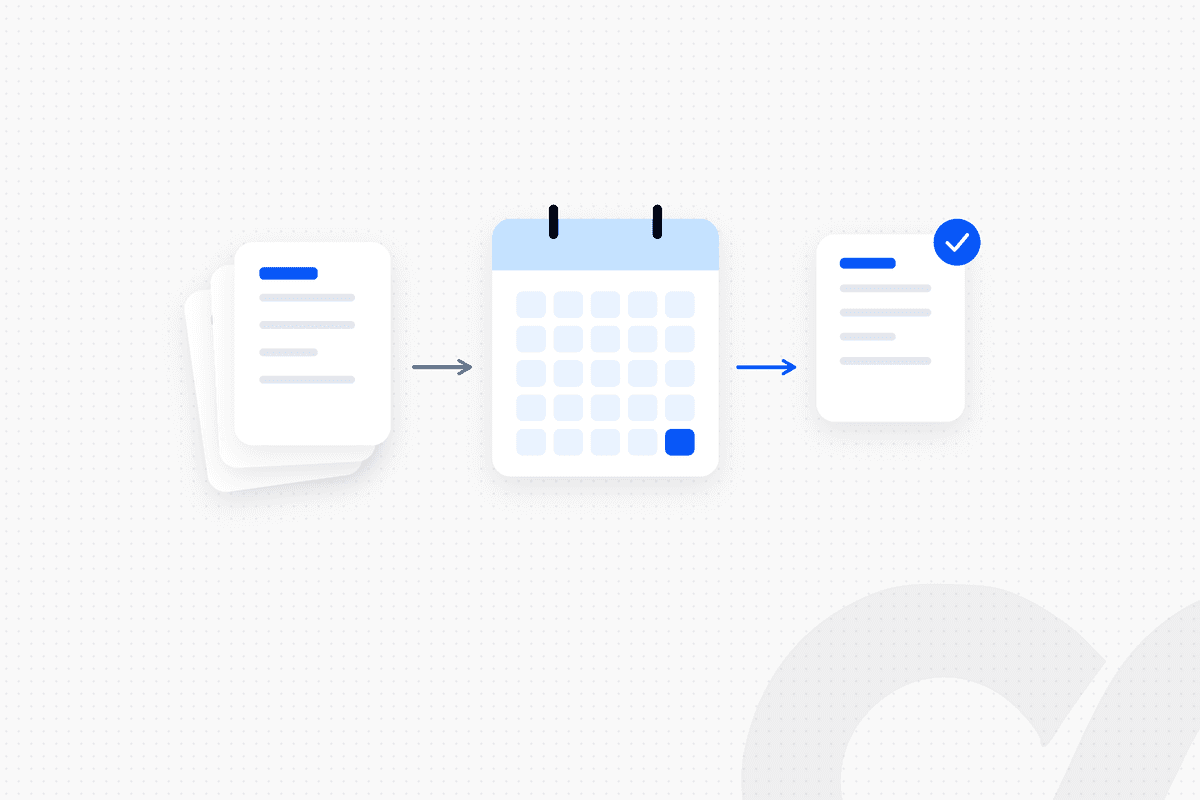
Unbilled receivables pile up when your team has earned revenue under a contract but the contract terms never became an invoice on time. Milestones nobody reported, ramps set up as flat subscriptions, amendments that never reached billing and usage that was never loaded all end up in the same balance. The fix is a monthly control: every closed-won deal and amendment → expected billing schedule → actual invoices → variance with a named owner, cleared before close.
A team that reviews unbilled AR only when the auditor asks for support finds the oldest items months old, and some of them will never be billed. This post traces the usual causes to the handoff between contract and invoice, and sets out the control that catches them while they are still easy to fix. For the accounting definition, and how unbilled AR differs from a contract asset, see what unbilled AR is and how it differs from a contract asset.
Key takeaways
- Unbilled receivables are a billing problem before they are an accounting problem. Most of the balance traces back to contract terms that never became a billing schedule.
- Five causes explain most of it: unreported milestones, ramps and delayed starts, amendments, usage that is never loaded and invoices on hold.
- Some unbilled balance is expected timing. The problem items are those past their expected billing date, or with no expected billing date at all.
- The control compares what each contract says you should have billed with what you actually invoiced, line by line, every month.
- Every variance needs a reason, an owner and a due date, and the unbilled balance in the ledger should tie to the list of expected-but-not-yet-invoiced items at close.
Why unbilled receivables pile up
Unbilled receivables pile up at the handoff between the signed contract and the billing system. Each cause below follows the same template: what happens, and how to spot it in your data.
Milestones nobody reports to billing
A milestone invoice depends on someone telling billing the milestone happened. Implementation go-lives, delivery acceptances and project phases are recorded by delivery teams, not finance.
- What happens: The work is done and the revenue is recognized, but the invoice waits for an email that never comes.
- How to spot it: Milestone lines with a completion date in the project tool and no invoice in the billing system.
Ramps and delayed starts set up as flat subscriptions
A contract with a price step or a future start date needs a dated billing schedule, not a flat subscription and a reminder.
- What happens: Year one bills correctly. The step-up in year two never happens, because nobody changed the schedule at the anniversary.
- How to spot it: Contracts whose current invoice amount differs from the amount the contract specifies for this period.
Amendments that never reach billing
Every approved change to a contract's scope or price has to reach the billing schedule. Under ASC 606, "a contract modification is a change in the scope or price (or both) of a contract that is approved by the parties to the contract," and the same guidance notes it may be called "a change order, a variation, or an amendment" (Deloitte DART).
- What happens: An upsell is signed mid-term, revenue accounting picks it up, and billing finds out at renewal.
- How to spot it: Executed amendments with no matching change in the billing system. Ordway, a billing software vendor, lists "contract amendments that billing systems fail to reflect" among the causes of revenue leakage (Ordway).
Usage that is never loaded
Usage-based lines are only billed if usage data reaches the billing system. Sage Intacct's help center describes this directly: for committed-quantity contract lines, "Intacct schedules the applicable billing amount when a usage record is added" (Sage Intacct). Check how your own billing system schedules usage lines before you rely on it.
- What happens: The usage export fails or is late, nothing is scheduled, and nothing looks wrong in billing.
- How to spot it: Usage-based contract lines with no usage record for the period.
Invoices on hold
An invoice that is ready but held is unbilled in practice. Missing purchase order numbers, missing billing contacts and customer AP portal requirements are the usual reasons.
- What happens: The invoice sits in draft until someone chases the missing detail.
- How to spot it: Draft or held invoices older than your normal billing cycle.
Expected timing vs a real problem
Not every unbilled item needs chasing. The test is whether the item has an expected billing date, and whether that date has passed.
| Unbilled item | Expected billing date | Status |
|---|---|---|
| Usage for September, billed in arrears on October 1 | October 1 | Expected timing |
| Milestone completed September 28, invoiced on the next billing run | Next billing run | Expected timing, if invoiced on that run |
| Year-two ramp step, contract anniversary in June | June | Problem: past due for billing |
| Upsell signed in July, not in the billing system | None | Problem: no schedule at all |
| Invoice held since August for a PO number | August | Problem: aged hold |
Age your unbilled items the way you age invoices. An unbilled item older than one billing cycle is a leak until someone proves otherwise. For aging buckets and how CFOs read them, see the AR aging report guide.
The monthly control that clears unbilled receivables
The control compares what each contract says you should have billed this period with what you actually invoiced, and assigns every difference to a person. It runs every month, before close, in six steps.
Step 1: Build the full population of contracts
Start from signed contracts, not from the billing system. A control that starts in billing can't find the contract that never reached billing.
Pull every closed-won deal and every executed amendment from your CRM and your contract repository. Count them. Then count the contracts in billing. If the two counts differ, the difference is your first list of exceptions.
Step 2: Build the expected billing schedule from each contract
For each contract line, write down what should be invoiced this period, on which date and for how much. Use the contract terms: start date, billing frequency, ramp steps, milestones and usage terms.
This step takes the most effort, because it means reading contracts. It is also the step that makes the control work. HubSpot users can start from how to reconcile HubSpot quote amounts against booked revenue.
Step 3: Pull the invoices actually issued
Pull every invoice and credit note issued in the period, by customer and contract line. Include drafts and held invoices as a separate list.
Step 4: Compare expected with actual, line by line
Match each expected line to an actual invoice and label each difference. Ordway gives the same instruction: "Compare your signed contract values (TCV/ACV) from your CRM directly against actual invoiced amounts to catch under-billing."
Use four labels:
- Missing: expected, not invoiced.
- Wrong amount: invoiced, but not at the contract amount.
- Wrong date: invoiced in a different period than expected.
- Unexpected: invoiced, but no contract line supports it.
Step 5: Give every variance a reason, an owner and a due date
A variance without an owner stays on next month's list. Assign by cause:
| Cause | Owner |
|---|---|
| Milestone not reported | Delivery or customer success lead |
| Ramp or start date not scheduled | Billing specialist |
| Amendment not in billing | Deal desk, with billing |
| Usage not loaded | Billing, with the data owner |
| Invoice on hold | AR specialist |
| Unexpected invoice | Billing, with revenue accounting |
Step 6: Clear, tie out and sign off
Each variance closes one of three ways: invoice it, correct the schedule, or document it as expected timing with a billing date. Then tie the unbilled balance in the ledger to the remaining expected-but-not-yet-invoiced items, and have the controller sign off before close.
Worked example: one month of the control
Here is the control run on a small, hypothetical book of four contracts. All figures are hypothetical.
| Contract | Expected this month | Invoiced | Variance | Label | Reason | Owner |
|---|---|---|---|---|---|---|
| A, annual, month 13 of a ramp | $7,500 | $5,000 | $2,500 | Wrong amount | Year-two step not scheduled | Billing |
| B, upsell amendment signed last month | $1,200 | $0 | $1,200 | Missing | Amendment not in billing | Deal desk |
| C, usage line | $3,400 | $0 | $3,400 | Missing | Usage export failed | Billing and data owner |
| D, implementation milestone | $10,000 | $0 | $10,000 | Missing (timing) | Go-live on the 30th; invoice on next run | Delivery lead |
Contracts A, B and C are leaks: without the control, they surface at renewal or not at all. Contract D is expected timing, as long as it is invoiced on the next run. The unbilled list at close holds four items, each with an owner and a date.
Unbilled receivables control checklist
Run this checklist every month before close.
- Contract count in CRM and contract repository matches the contract count in billing
- Every executed amendment this month has a matching change in billing
- Every contract line has an expected billing schedule built from the contract
- Every usage-based line has a usage record for the period
- Every milestone completed this month has an invoice or a dated billing plan
- Every held or draft invoice older than one cycle has an owner and a reason
- Every variance has a reason, an owner and a due date
- The unbilled balance in the ledger ties to the list of expected-but-not-yet-invoiced items
- The controller has reviewed and signed off
If you want to see this checklist running against your own contracts, book a workflow review and we will map the control onto your stack.
What to automate in the unbilled receivables control
Automate the comparison; keep the judgment with people. Building the expected schedule, matching it to invoices and labeling the variances follow fixed rules. Deciding whether to rebill a customer or accept a late milestone does not.
Loopfour, the deterministic finance workflow automation platform, runs this control as a managed workflow on your existing CRM, billing system and ERP. The schedule is built from the contract, the comparison runs the same way every month and every variance is routed to its owner in Slack. AI is limited to one scoped task: extracting terms from signed contracts, under a confidence threshold, with a person reviewing anything below it. The full Contract-to-Cash flow is in how to automate Contract-to-Cash, step by step.
Frequently asked questions
Why do unbilled receivables build up?
Unbilled receivables build up when revenue is earned under a contract but the matching invoice is late or never created. The usual causes are milestones nobody reports to billing, ramps and delayed starts set up as flat subscriptions, amendments that never reach the billing system, usage that is never loaded, and invoices held for a missing purchase order number.
Is an unbilled receivables balance always a problem?
No. Some unbilled balance is expected timing, such as usage billed in arrears or a milestone invoiced on the first business day of the next month. It becomes a problem when an item ages past its expected billing date or has no expected billing date at all.
How do you reconcile unbilled receivables at month-end?
Build an expected billing schedule from every signed contract and amendment, pull the invoices actually issued, and compare them line by line. Every variance gets a reason, an owner and a due date. The unbilled balance in the ledger should then tie to the list of expected-but-not-yet-invoiced items.
Who owns unbilled receivables?
Billing owns clearing the variances, and revenue accounting owns the balance in the ledger. Sales or customer success owns any variance caused by an unreported milestone or an unsent amendment. The controller reviews the variance list before close.
Conclusion
Unbilled receivables are what's left when contract terms don't become invoices on time. Start from signed contracts, build the expected billing schedule, compare it with what you invoiced and give every variance an owner before close. Run that control every month and the unbilled balance becomes a short list of dated, explained items instead of a quarterly surprise.
Tell us the one workflow your team dreads. We will show it running. Book a demo.