
How to choose AI software for financial close automation
How-to / decision framework for choosing financial close automation software; position Loopfour's deterministic, audit-ready workflows.

Part of the month-end close guide.
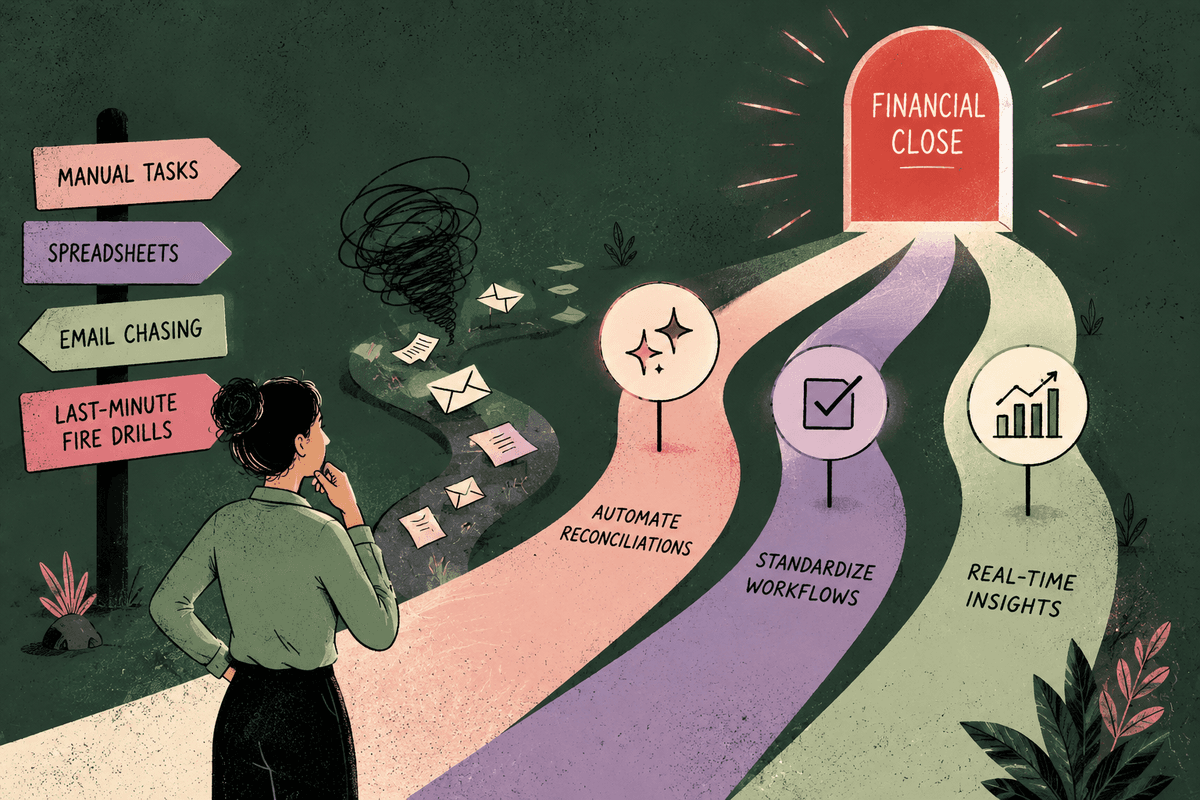
Choosing financial close automation software comes down to a handful of criteria, and the two that outrank the rest are reproducibility and audit-readiness. Everything else, integrations, approvals, security, speed to value, matters, but a tool that cannot produce the same result twice or show an auditor how it got there will cost you more than it saves. The right way to evaluate is to test each criterion against a real close workflow, not a demo script. This guide gives you the criteria, the questions, and the red flags, so you can pick with confidence.
Key takeaways
- Reproducibility is the first filter. If the software cannot produce identical results from identical inputs, it does not belong in your close.
- Audit-readiness is the second. You need a complete, exportable record of what ran, in what order, and who approved each exception.
- Integration depth beats integration breadth. A tool that connects deeply to your ERP and payment stack is worth more than one that touches everything shallowly.
- Approvals and segregation of duties must be built in, not bolted on with a comment field.
- Maintenance ownership is a hidden cost. Ask who fixes the workflow when a rule changes, you or the vendor.
- Security certifications are proof, not marketing. Look for SOC 2 Type II, encryption standards, and a clear statement that your data never trains models.
What financial close automation software actually does
Financial close automation software replaces manual, repetitive steps in your month-end close with defined workflows that run on a schedule or a trigger. It pulls data from your ERP and payment systems, matches and reconciles transactions, posts or proposes journal entries, and routes anything uncertain to a person for review.
The useful distinction is between the work the software does automatically and the work it hands back to you. Well-designed automation is surgical about where it applies AI. A matching step might use a model to pair a payment to an invoice when the reference is messy, but only above a set confidence threshold, and anything below that threshold goes to a human. The software handles the volume; you handle the judgment calls. That division is the whole point. Automation that tries to decide everything itself, with no control point, is not saving you work, it is moving the risk somewhere you cannot see it.
The criteria that matter most
The criteria below are ordered roughly by weight. Test each one against a workflow you actually run, such as cash application or an accrual calculation, rather than a vendor's prepared example.
Reproducibility and determinism
Run the same inputs twice and you should get the same outputs, every time. This is the single most important property of close automation, because your close is a controlled process, not a best-effort one.
To test it, take a representative data set and run it through the tool twice. Compare the results line by line. Then change one input and confirm the output changes in a way you can explain. If the vendor cannot guarantee identical outputs from identical inputs, or if results drift between runs, the tool introduces variance into a process that is supposed to eliminate it.
Audit trail and controls
You need a complete, exportable record of every run: what data came in, what steps executed, what changed, and who approved each exception. Auditors will ask, and "the software did it" is not an answer.
Ask to see the audit output for a single run. Look for a step-by-step record you can hand to an external auditor without translation. A tool that logs only the final result, or buries the reasoning, will turn every audit into a reconstruction exercise.
Integration with your ERP and stack
The tool must connect to the systems where your close data already lives. Shallow connections that only import a CSV export will break the moment your data changes shape.
Confirm native support for your specific systems, for example, NetSuite, QuickBooks, or Sage Intacct on the ERP side, and Stripe for payments. Test a two-way flow: can the tool read a transaction and write back a proposed journal entry or a status update? Depth of integration determines how much manual glue you will still be responsible for.
Approvals and segregation of duties
Approvals should be a first-class feature, with clear separation between who prepares and who approves. A comment field is not a control.
Check that the software lets you define who reviews which exceptions, enforces that the preparer cannot approve their own work, and records the approval as part of the audit trail. Segregation of duties is a control your auditors expect; the tool should make it easy to prove, not something you enforce by convention.
Who builds and maintains it
Find out who owns the workflow after go-live, you or the vendor. This is the cost buyers most often miss.
Some tools require your team to script and maintain every rule, which turns your finance staff into part-time developers. Others hand maintenance to professional services and charge for every change. The honest question to ask: when a tax rule or an accrual policy changes next quarter, who updates the workflow, how long does it take, and what does it cost?
Security and certifications
Security posture is proof of operational maturity, and it is not optional for finance data. Look for independent certification, strong encryption, and a clear data-use policy.
The baseline to require: SOC 2 Type II (with SOC 1 relevant for financial reporting controls), encryption in transit and at rest, and an explicit statement that your data is never used to train models. Ask for the reports, not just the logos.
Time-to-value
Measure how long until the tool runs one real workflow end to end, not how long until it is fully deployed. A shorter path to a first working workflow tells you more than a long feature list.
Ask the vendor to scope a single close task, say, reconciling one account or applying cash for one entity, and estimate the time to get it running with your data. A tool that can prove value on one workflow in weeks is lower risk than one that requires a multi-month rollout before anything works.
Questions to ask every vendor
Use this checklist in every evaluation call. Push for specifics.
- Does the software produce identical outputs from identical inputs? If not, what causes the variance?
- Can you show me the full audit trail for a single run, exported in a format an external auditor can use?
- Where exactly does the tool use AI, and what is the human control point for each of those steps?
- What happens when the AI is uncertain? Is there a confidence threshold, and does low-confidence work route to a person?
- Which of my systems do you integrate with natively, and does the integration write back or only read?
- How do you enforce segregation of duties and record approvals?
- After go-live, who maintains the workflows when a rule changes, and what is the cost and turnaround?
- What certifications do you hold, and will you share the SOC reports?
- Is my data ever used to train your models?
- How long until one real workflow is running on my data?
Red flags to watch for
A few signals should give you pause regardless of how polished the demo looks.
- Non-reproducible AI outputs. If results shift between runs, you are adding variance to a controlled process.
- No usable audit trail. If the tool cannot show what ran and why, every audit becomes a manual reconstruction.
- Black-box decisions. If the vendor cannot explain how a result was reached, you cannot defend it to an auditor or your controller.
- Heavy self-maintenance. If your team has to script and babysit every rule, the tool is shifting cost onto your headcount rather than removing it.
- Vague AI claims. "AI does the close for you" with no control point named is a warning, not a feature.
How Loopfour maps to these criteria
We built Loopfour, the deterministic finance workflow automation platform, around exactly the criteria above, so here is an honest mapping.
On reproducibility, this is the core of the product. Loopfour Studio runs workflows on a canvas of blocks with deterministic execution: the same inputs produce the same run, every time. On audit-readiness, every run produces an execution tree, a complete, inspectable record of what executed and in what order, which is what your auditor is asking for. Where we apply AI, we keep it surgical: the AI Copilot and matching steps operate above confidence thresholds, and anything uncertain becomes an exception routed to a person. You approve only the exceptions. On integrations, we connect to NetSuite, QuickBooks, Sage Intacct, Stripe, and Slack. On security, we hold SOC 2 Type II with SOC 1 underway, use AES-256 and TLS 1.3, and your data never trains models.
Where we are honest about fit: if what you need is a pure close-management and reporting layer, task checklists, close calendars, and status dashboards for the controller's office, a dedicated close-management tool may serve you better than a workflow automation platform. Loopfour lands as the strongest choice when your evaluation weights reproducibility, audit trail, and maintenance ownership. It is not a black box, and it is not an AI agent with a wrapper. It is deterministic execution you can prove.
Frequently asked questions
What is financial close automation software?
It is software that runs defined, repeatable workflows for month-end close tasks like reconciliation, cash application, accruals, and revenue recognition. It pulls data from your ERP and payment systems, handles the high-volume matching and posting, and routes uncertain items to a person for review.
Is AI close automation safe for audit?
It can be, if the tool is reproducible and keeps a complete audit trail. Safety depends on determinism, identical inputs producing identical outputs, plus a record of what ran and who approved each exception. AI applied without a control point or an audit record is the version auditors distrust.
How long does close automation take to implement?
Judge it by time to one working workflow, not full deployment. A well-scoped tool can have a single task, one account's reconciliation or one entity's cash application, running on your data in weeks. Full rollout across every close task takes longer and should be staged.
Should I choose a close-management tool or a workflow automation platform?
Close-management tools excel at checklists, calendars, and reporting for the controller's office. Workflow automation platforms do the underlying work: matching, reconciling, and posting. If your problem is coordination and visibility, choose the former; if it is manual execution volume, choose the latter.
How do I test reproducibility before I buy?
Run a representative data set through the tool twice and compare the outputs line by line. Then change one input and confirm the result changes in an explainable way. If the two identical runs disagree, the tool is not deterministic.
Choosing with confidence
The best financial close automation software is the one that treats your close as the controlled process it is: reproducible, auditable, and permissioned, with AI applied only where a human stays in the loop. Weight those criteria, test them against a real workflow, and the shortlist gets short quickly.
Tell us the one workflow your team dreads. We will show it running: deterministic, permissioned, and auditable. → Book a demo
Related reading
What are the best AI tools for financial close automation?
What is the best tool for automating month end close?
How to automate month-end close in 2026