
Automated Reconciliation vs Spreadsheets: Which Wins?
Spreadsheets contain errors in up to 88% of cases per published research. Automated reconciliation closes the gap with higher match rates and fewer close days.

Part of the payment reconciliation and cash application guide.
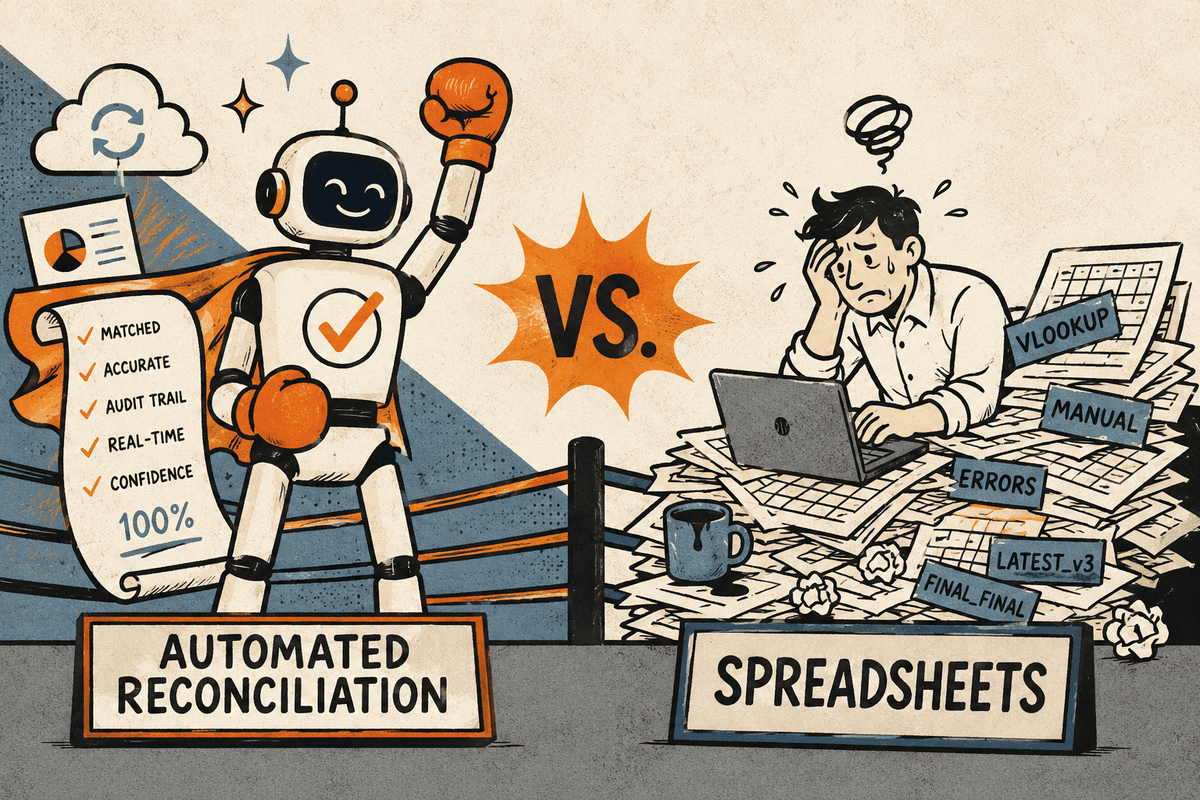
Automated reconciliation outperforms spreadsheets on every metric that finance teams actually care about: hours per close, match rate, error exposure, and the ability to scale without adding headcount. Research published in peer-reviewed accounting journals has found that 88 percent of spreadsheets with a significant number of formulas contain at least one error, and the consequences in reconciliation work are expensive.
Spreadsheets are not the problem; manual reconciliation in spreadsheets is. The same logic that works for ten accounts breaks when it scales to a hundred, and the person who built the sheet is the only one who knows where the hidden validation rules live.
Why Spreadsheet Reconciliation Breaks Down at Scale
Reconciliation in spreadsheets starts reasonably. You pull a GL export, paste a bank statement, write a VLOOKUP to find matches, color the unmatched rows red, and email the result to your controller. It works when the volume is low, the formats are consistent, and the same person runs it every month.
The problems compound as the business grows:
Volume. A team closing with 200 GL accounts and five bank accounts can manage in spreadsheets. At 500 accounts across multiple entities, legal structures, and currencies, the manual work balloons. The close calendar gets compressed, people rush, and errors that would have been caught in a lighter month slide through.
Format drift. Bank files change column order when the bank updates their export tool. A counterparty switches their remittance format. The spreadsheet breaks silently, producing wrong matches rather than no matches, which is worse than an error that announces itself.
Formula fragility. A well-intentioned colleague adds a row in the middle of the data range. The VLOOKUP that referenced a fixed cell range now misses the last forty transactions. This category of error is well documented in the accounting research literature. The EuSpRIG (European Spreadsheet Risks Interest Group) has catalogued spreadsheet errors that have caused audit failures, financial restatements, and significant financial losses at recognizable organizations.
Tribal knowledge. The reconciliation sheet that one person built two years ago now contains assumptions no one else understands. When that person leaves, the sheet becomes a liability.
Takeaway: Spreadsheet reconciliation is not wrong in principle. It is fragile at scale, and the errors it produces are the kind that surface late, usually at the worst moment in the close calendar.
What the Research Says About Spreadsheet Error Rates
The 88 percent figure comes from a frequently cited 2008 study by Raymond Panko at the University of Hawaii, reviewing prior research on operational spreadsheets. A meta-analysis of audited spreadsheets found error rates in individual cells ranging from 1 to 5 percent in typical business workbooks, which sounds small until you consider that a reconciliation sheet with 2,000 rows and 15 formula columns has 30,000 cells. A 1 percent cell error rate implies 300 errors per sheet.
More relevant to finance teams: a 2012 review by the University of Hawaii found that even when spreadsheet builders were told errors were present, they missed about 50 percent of them. Errors in reconciliation work are not caught by the person who made them under time pressure.
The financial consequence of a missed reconciliation error ranges from minor (a timing difference that resolves next month) to serious (a genuine GL balance error that flows into financial statements, triggers a restatement, or causes an audit finding). The cost of a restatement is rarely small.
Takeaway: The risk in spreadsheet reconciliation is not that people are careless. It is that the format is structurally unable to self-validate, and errors propagate silently until they are discovered externally.
How Automated Reconciliation Works
Automated reconciliation replaces the manual step of moving data into a spreadsheet and writing formulas with a workflow that pulls data directly from source systems, applies matching rules in code, and routes unmatched items for human review.
The matching logic works like this:
- The workflow pulls transaction data from two or more sources (GL, bank feed, sub-ledger, payment processor file).
- It applies a matching hierarchy: exact match on amount and reference first, then fuzzy match on amount within tolerance and date within a window, then manual review for anything remaining.
- Matched items are confirmed. Unmatched items go to a review queue with context (the raw transaction data from both sides, the matching rule that failed, any similar matches that were close).
- Confirmed matches write back to the reconciliation record. The reviewer signs off on exceptions.
The process runs the same logic on every transaction, every month, using the same tolerance thresholds. It does not depend on anyone remembering to update a cell reference or check whether the column headers changed.
Where a transaction requires genuine judgment (a description that is ambiguous between two GL accounts, a foreign-currency timing difference that might be an error or might be a rate variance), a scoped AI model reads the transaction and suggests a classification, gated by a confidence threshold. Low-confidence classifications route to a human before they update the ledger.
Takeaway: Automated reconciliation does not eliminate human judgment. It concentrates human attention on the items that genuinely require it, while handling the straightforward matches reproducibly.
Spreadsheet vs Automated Reconciliation: Direct Comparison
The table below uses industry benchmarks and illustrative ranges based on published close process research and finance operations surveys.
| Metric | Spreadsheet Reconciliation | Automated Reconciliation |
|---|---|---|
| Hours per close (100 accounts) | 40-60 hours | 8-15 hours |
| Match rate (auto-matched) | 70-80% | 90-97% |
| Error exposure per close | High (formula fragility, version drift) | Low (fixed code, no manual formula) |
| Scalability (500+ accounts) | Degrades significantly | Linear with volume |
| Time to identify unmatched items | End of close cycle | Real-time during close |
| Dependency on specific individuals | High (sheet owner knowledge) | Low (workflow is documented code) |
| Audit-ready output | Manual export and formatting required | Structured log generated automatically |
| Days to close (month-end) | 7-10 business days (typical) | 4-6 business days (typical) |
The match rate improvement from 70 to 80 percent up to 90 to 97 percent is significant because the unmatched 3 to 10 percent is where close delays concentrate. Every unmatched item in a spreadsheet workflow requires a human to investigate from scratch. In an automated workflow, unmatched items arrive in the review queue with context already assembled: what the system tried to match, why it didn't, and what the closest candidate was. Investigation time drops from 15 to 30 minutes per item to 2 to 5 minutes.
Takeaway: At 100 accounts, automated reconciliation saves 30 to 45 hours per close. At 500 accounts, the gap widens because spreadsheet work degrades nonlinearly while automated workflows scale evenly.
The Days-Off-Close Win
Finance teams frequently cite "getting days off the close" as a priority, but the connection to specific workflow steps is often vague. Reconciliation is one of the clearest sources of close delay.
In a typical month-end close, reconciliation runs in sequence: the GL closes, someone pulls the trial balance, reconciliation sheets get populated, reviewers check and sign off, controllers make adjusting entries, and the process restarts for accounts that had errors. Each cycle takes days.
Automated reconciliation breaks the sequence in two ways. First, matching can run continuously during the month, not just in the post-close window. GL entries made on the 15th can be matched to bank transactions on the same day, so by the time the formal close window opens, most of the matching work is already done. Second, exception review happens in a structured queue rather than in email threads and shared spreadsheets, which reduces the coordination overhead between preparers and reviewers.
Teams that shift from fully manual, post-close reconciliation to continuous automated matching commonly report moving from 8 to 10 business days to close down to 4 to 6. That 3 to 4 day reduction is not cosmetic. It changes when financial statements are available to leadership, when variance analysis can begin, and whether the finance team is still closing last month when the next month's operational decisions are being made.
Takeaway: Cutting days off the close is a real operational win. Reconciliation automation is one of the most direct paths to it because reconciliation sits on the critical path of every month-end close.
What Happens to the Reconciliation Team
The concern every controller raises before approving a reconciliation automation project: "Will the team know what they're doing if the workflow handles the matching?"
The accurate answer is that the team's expertise becomes more visible, not less. When an accountant spends 40 hours per close copy-pasting data and writing VLOOKUP formulas, their actual analytical contribution (spotting unusual patterns, investigating timing differences, catching a miscoded expense) is buried in administrative work. When matching is automated, the analytical contribution is what remains. Reviews take less time and produce better output because the accountant is looking at pre-assembled exceptions rather than raw transaction lists.
Loopfour builds reconciliation workflows as fixed, documented code. The rules that govern matching are written down and reviewable, not embedded in a spreadsheet formula that only one person understands. When the matching logic needs to change (a new entity is added, a tolerance threshold is adjusted), the change happens in the workflow definition and applies from that point forward, consistently, across every account in scope.
Frequently Asked Questions
What percentage of spreadsheets contain errors?
Research published by the European Spreadsheet Risks Interest Group and academic work by Raymond Panko at the University of Hawaii consistently finds that between 80 and 90 percent of large operational spreadsheets contain at least one material error. Cell-level error rates in typical business workbooks range from 1 to 5 percent.
How many hours per month-end close does reconciliation automation save?
For a team reconciling 100 accounts manually, automated reconciliation typically reduces close hours from 40 to 60 hours down to 8 to 15 hours. The savings grow nonlinearly as account count increases because spreadsheet work degrades at scale while automated workflows do not.
Can automated reconciliation handle multi-entity or multi-currency close?
Yes. Automated workflows can apply entity-specific matching rules and currency conversion logic without requiring separate spreadsheet files per entity. This is one of the areas where spreadsheet approaches break down most severely as businesses expand.
What is a good match rate for reconciliation automation?
Well-configured automated reconciliation workflows typically achieve match rates of 90 to 97 percent on straightforward transaction types. The remaining 3 to 10 percent are genuine exceptions that benefit from human review. A match rate below 85 percent usually signals that the matching rules need refinement or that source data quality needs attention.
How long does it take to implement automated reconciliation?
At Loopfour, most teams are running their first automated reconciliation cycle within about two weeks of project kickoff. Timeline depends on the number of source systems and the complexity of the matching rules.
The Bottom Line
Spreadsheets are the dominant tool for reconciliation not because they are the best tool, but because they are available, familiar, and flexible enough to handle almost any format manually. That flexibility is also the source of their fragility: the same openness that lets an accountant build anything lets the same accountant build something that breaks silently, propagates errors, and concentrates institutional knowledge in the person who built the sheet.
Automated reconciliation runs the same matching logic on every account, every month, without formula drift or version conflicts. The hours saved per close (30 to 45 hours at 100 accounts), the match rate improvement (15 to 20 percentage points typically), and the 3 to 4 day reduction in close cycle time translate into real dollars: lower labor cost per close, earlier availability of financial statements, and accountants spending their time on analysis instead of data plumbing.
The spreadsheet era of finance reconciliation is not ending because the tools failed. It is ending because the alternative is now straightforwardly better.